

How to order an order set on TRAK
 Edinburgh Cancer Centre new nurse handbook

Step 1. From ward view on TRAK click on patient, then click on clinical menu.
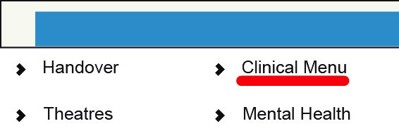
Step 2. In Clinical Menu, click on Order.

Step 3. Click on required order set.
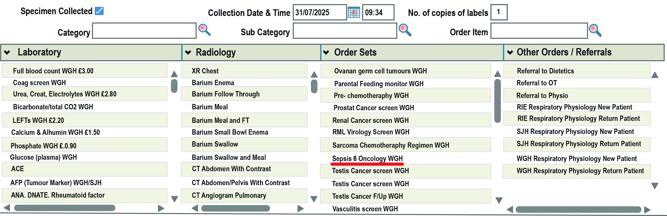
Step 4. This will appear at the right side of the screen, click on update.
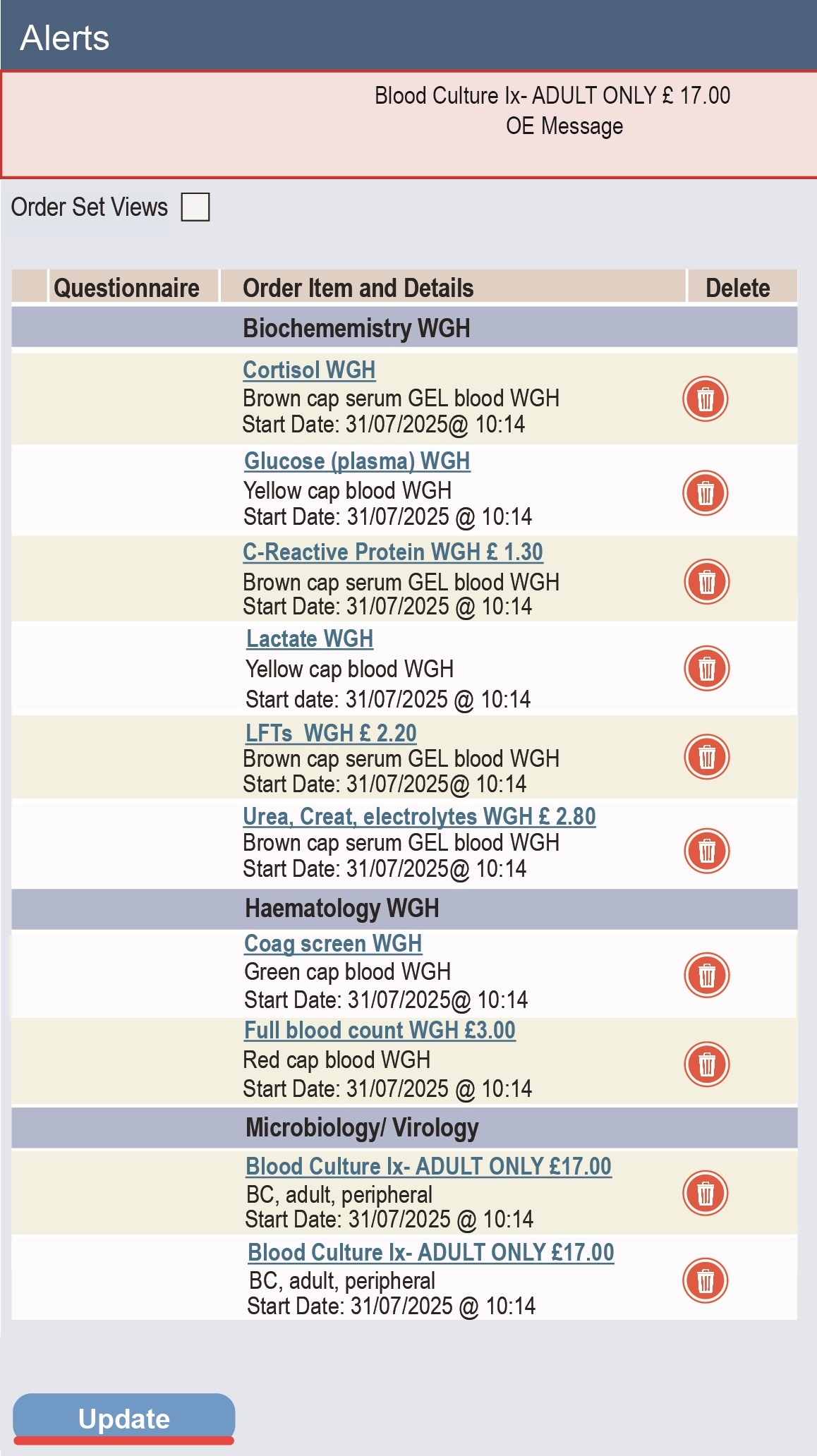
Step 5. Once clicked on update a screen with details of the order will appear. Fill in the details of the order and click on update. (See ordering blood samples for reference.)