RDS Learning and support
When creating a new page, choose the ‘Shared content picker’ option.
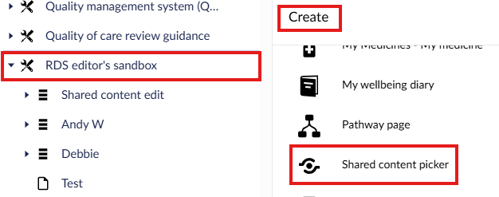

The basic shared content picker (non-editable) can be used within your toolkit. This will allow you to select a page from the shared content library and include this within your toolkit. You are not able to edit this page, but it will automatically update when the page within the shared content library is updated.
When creating a new page, choose the ‘Shared content picker’ option.
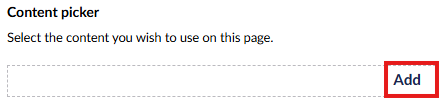
You would then click on 'Add' at the bottom of the screen
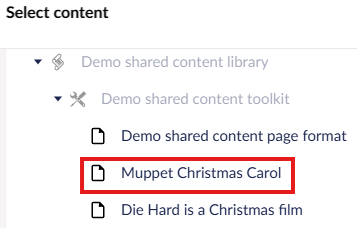
A menu appears on the right-hand side of the screen. You select the page from the shared content menu that you would like to embed within your toolkit.
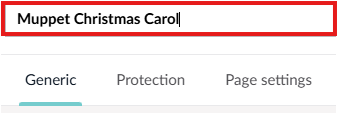
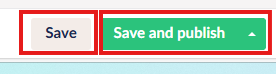
Lastly, you would name your shared content picker page (at the top of the page) before selecting either 'Save' or 'Save and publish'.
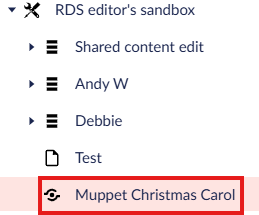
The shared content page now appears within your toolkit.
This is what the RDS editor sandbox homepage looked like before a page was added using the basic shared content picker:
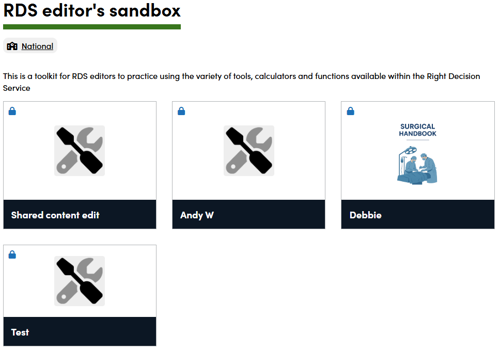
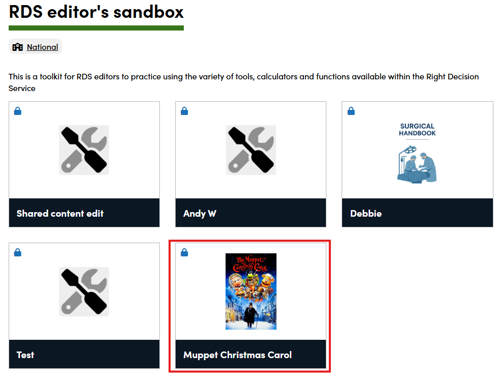
This is what the RDS editor sandbox homepage looked like after the page was added using the basic shared content picker (note the icon needs to be manually added by the user):
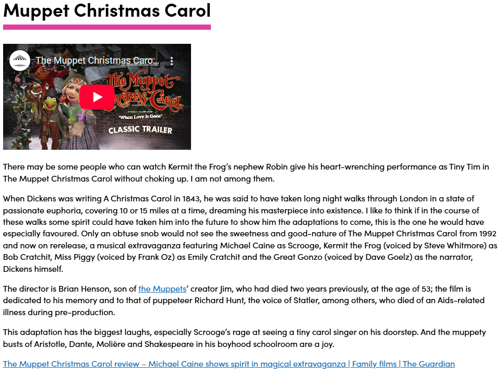
This is what the new page looks like when we open it: