RDS Learning and support
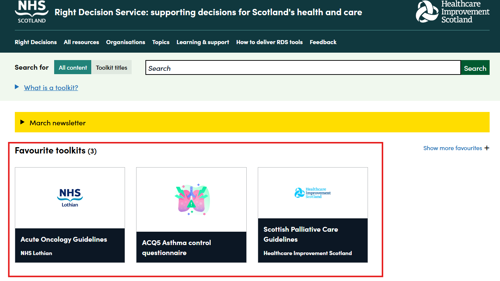
You can save time by searching for a toolkit and adding it to your favourites. This means that when you return to the same device, this toolkit will appear above the search results on the home page allowing for easy access.
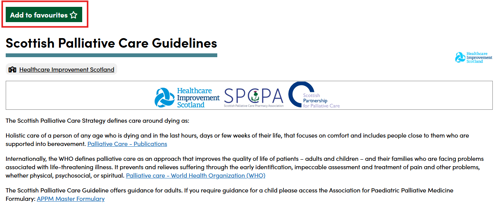
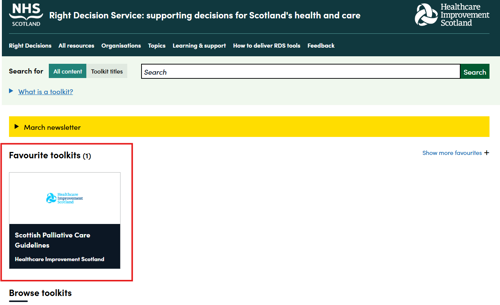

You can save time by searching for a toolkit and adding it to your favourites. This means that when you return to the same device, this toolkit will appear above the search results on the home page allowing for easy access.
You can add several toolkits as favourites on your home page (up to 16). In order to change the order these appear, you simply ‘drag and drop’ the toolkits as appropriate.