RDS Learning and support

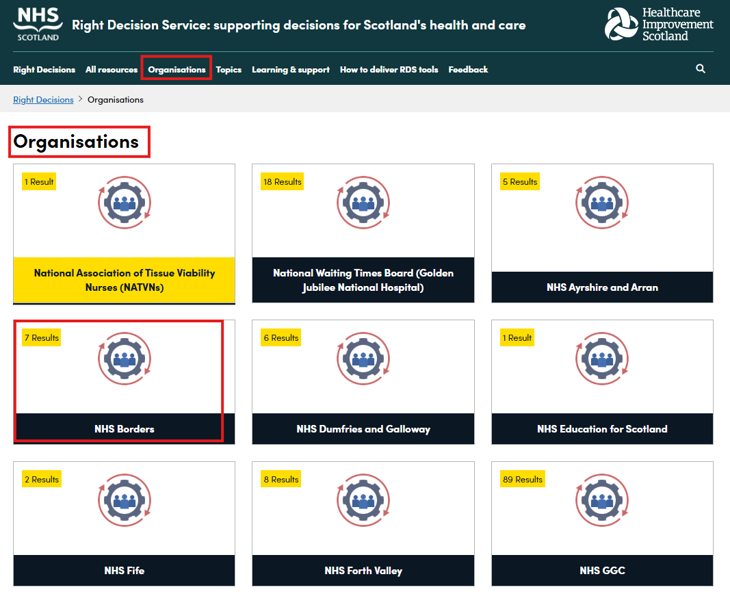
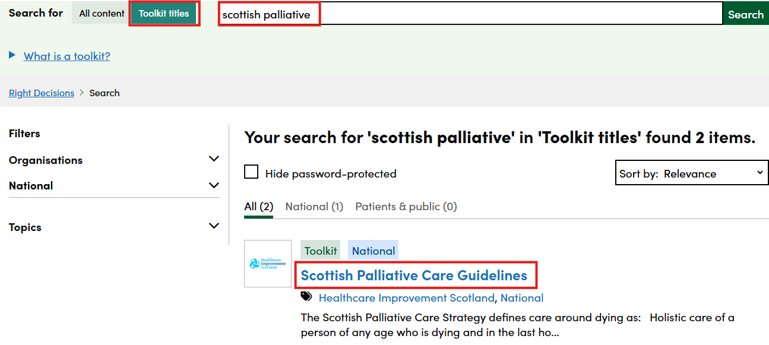
To access the toolkit you are looking for, you can enter key words into the search box with the 'Toolkit titles' toggle selected. After clicking on the green search box, you would then click on the name of the toolkit you want to open to access the toolkit.
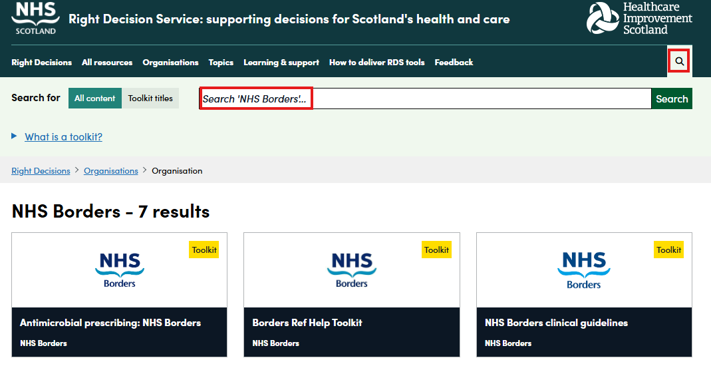
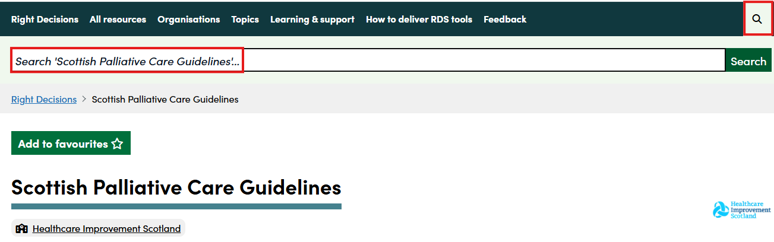
When searching within a toolkit, the magnifying glass icon for searching is part of the title bar as a result of the space required for the logo headings. The search box below clearly shows that the user will only be searching within the 'Scottish Palliative Care Guidelines' toolkit.
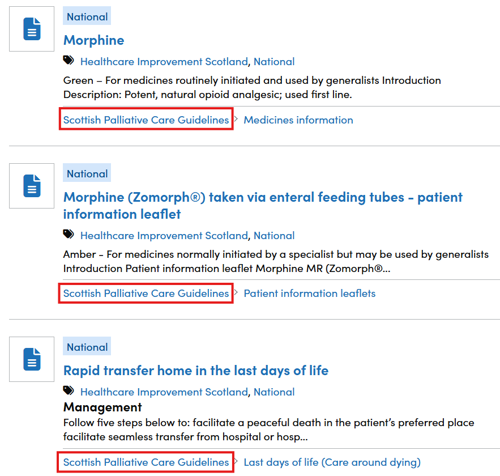
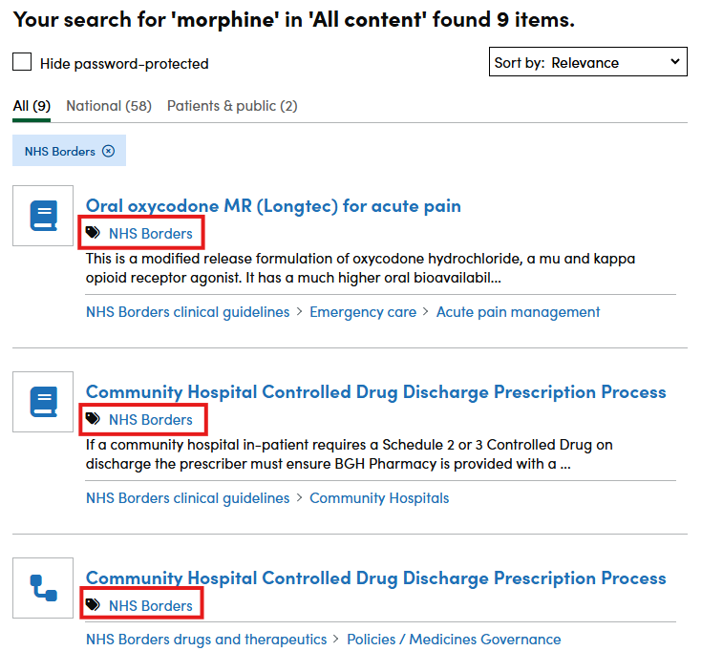
When you enter a search term, only results from within the toolkit are displayed.